


Creative Commons
The Creative Commons WordPress plugin gives authors the ability to license content with a Creative Commons license (Choose a License). With this plugin you can:

Betrachten Sie eine Alternative
Creative Commons shows warning signs in 2026 — compare the alternatives below before installing. It runs on 700+ sites, is rated 5/5 and was last updated 4 years ago, and scores 34/100 on our health check.
- Kleine Benutzerbasis (700+ aktive Installationen)
- Bisher sehr wenige Bewertungen
- Kein Update in 4 Jahren
- Nur getestet bis WordPress 6.0 (letzter IS 7.1)
Wie stapelt es sich?
Side-by-side bei Installationen, Updates, Bewertungen und Support


Tägliche Downloads
Download-Spitzen folgen normalerweise einer neuen Version - jede Website, die automatisch aktualisiert wird, gilt als Download.
Ranglisten
Where Creative Commons stands todayWordPress.org Ranglisten suchen
Live-Position in der Plugin-Suche, Top 100| Stichwort | Position |
|---|---|
| CC | >100 |
| copyleft | #5 |
| copyright | >100 |
| creative commons | #81 |
| license | >100 |
Versionsübernahme
Anteil aktiver Sites pro Release.
Bewertungsaufschlüsselung
★★★★★★★★★★ 5 from 1 reviews
About Creative Commons
From the official readme · v2022.09.1Beschreibung
The Creative Commons WordPress plugin gives authors the ability to license content with a Creative Commons license (Choose a License). With this plugin you can:
- License your blog (single WordPress install)
- Display license for the site, posts and pages
- Prevent license changes per site (all pages on a site must use the same license)
- License your WordPress Network (WordPress Multisite install)
- License some of your sites differently in your WordPress Network
- Prevent license changes in your WordPress Network (all pages on all sites need to use the same license)
- License all your content with the same license (license per author)
- License some posts, pages, or images differently from your default license (per content license)
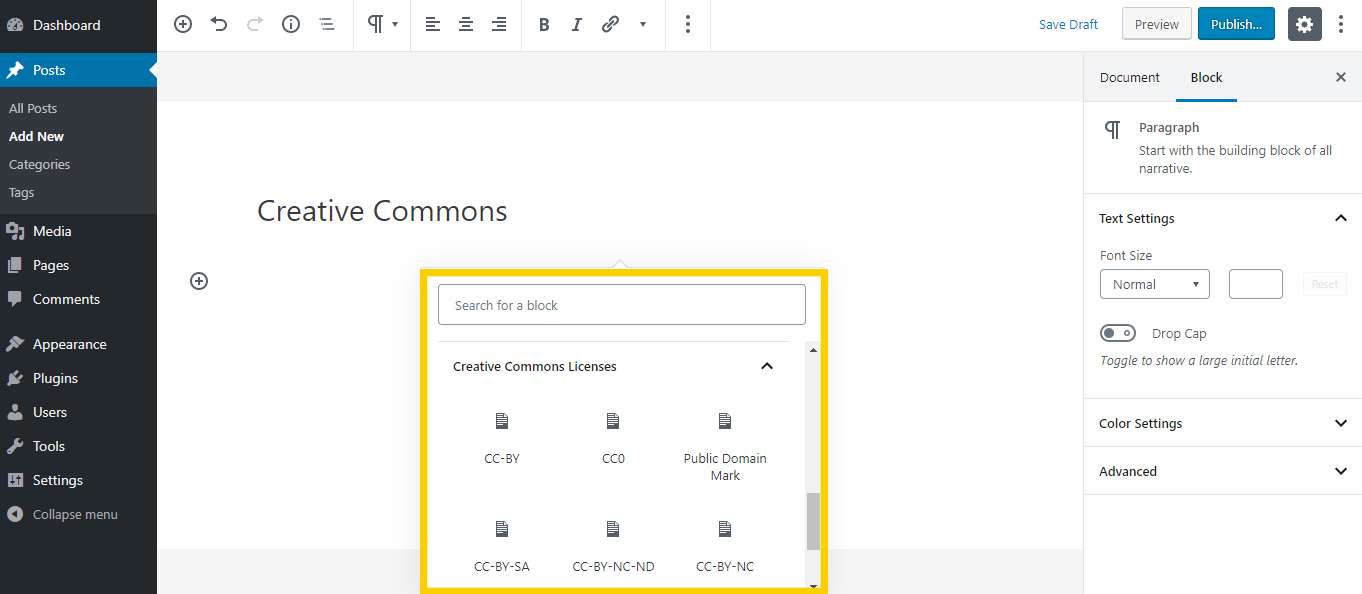
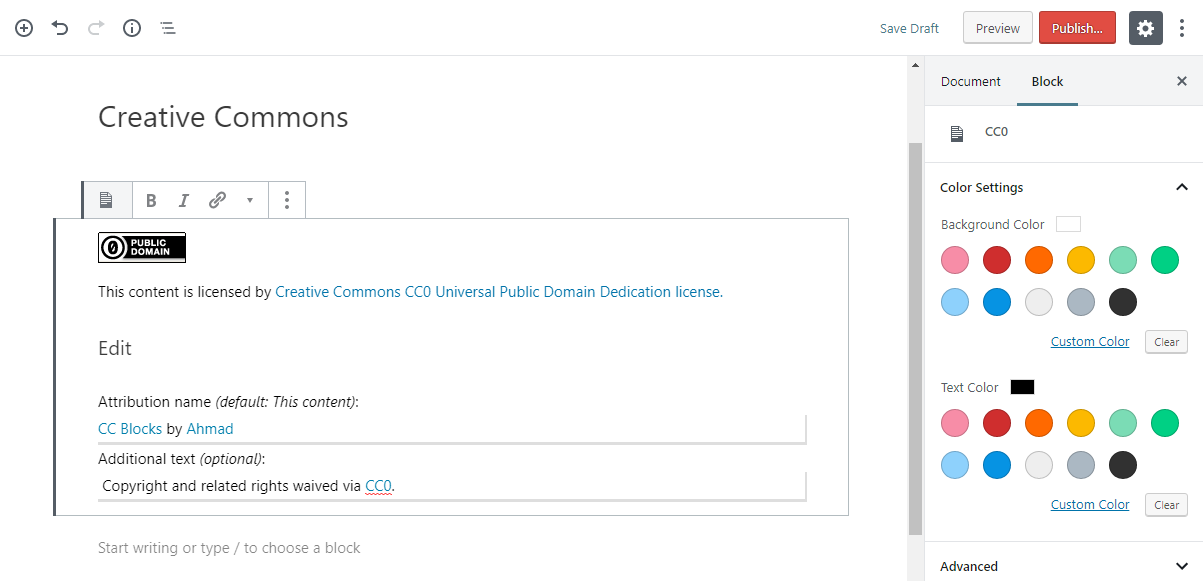
- License posts and pages by simply including CC Gutenberg blocks for each license required (Gutenberg License Blocks)
- Display license information with “One Click Attribution” for images
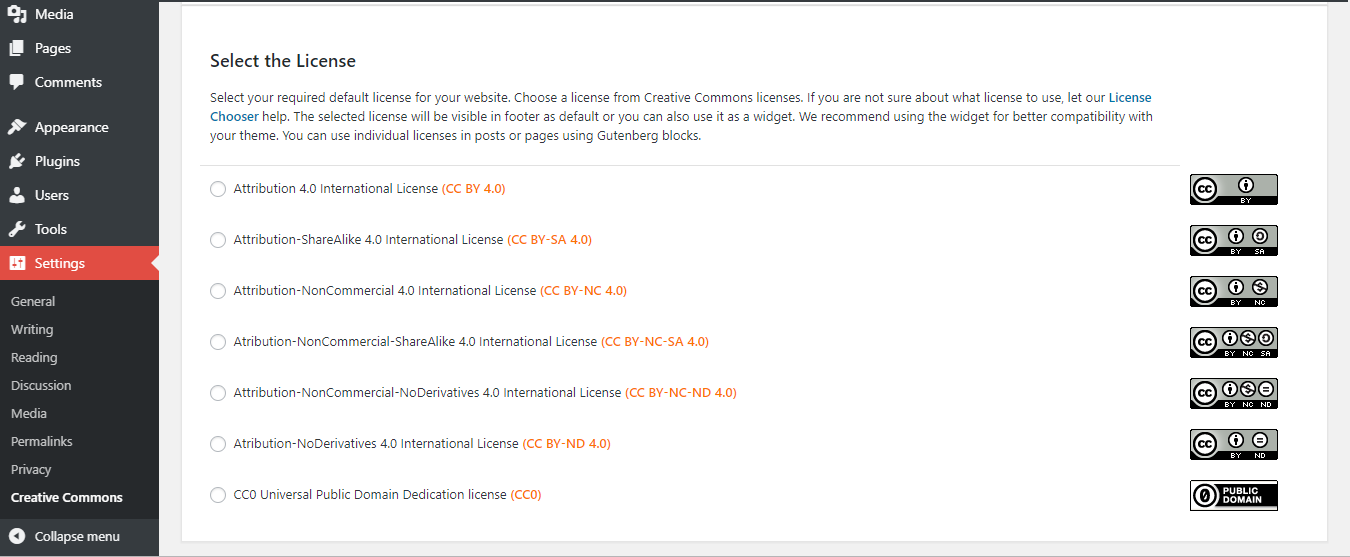
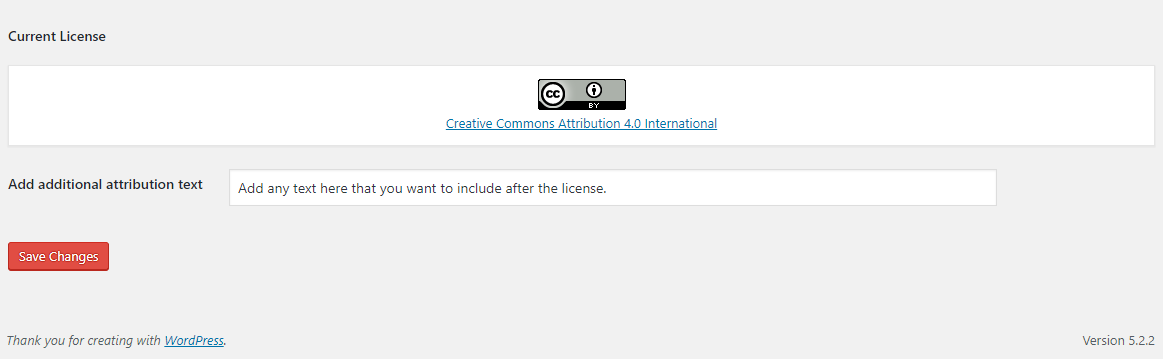
The default license for the site used by the plugin is the Creative Commons Attribution-ShareAlike (CC BY-SA) license. This can be easily changed including attribution, depending on the permissions by a user with the role: superadmin, site admin or author.Selecting a license is straight forward. If you are not sure about what license to use, you can use the linked license chooser.
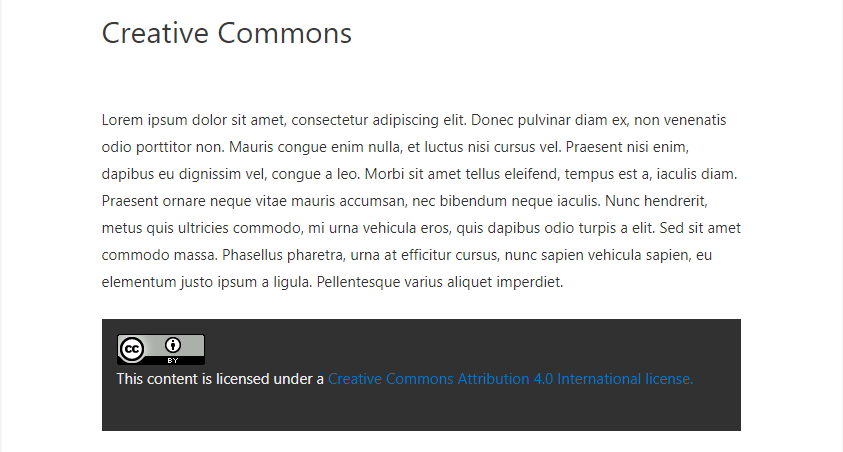
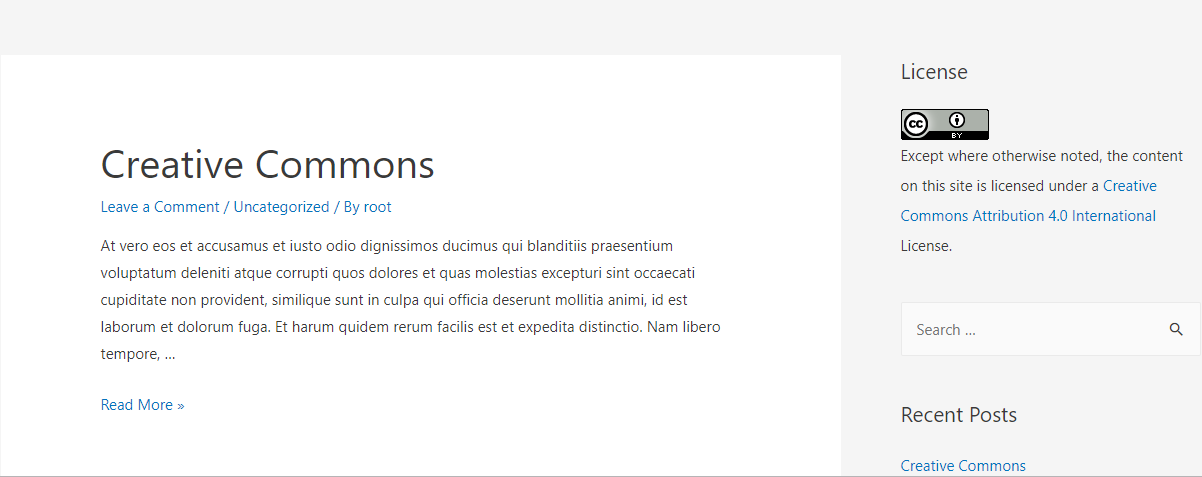
The selected license can be displayed as a widget or a footer or both at the same time. In Appearance > Widgets, the CC License widget can be dragged to any widget area like the side-bar and all other available areas. You can also include the license in footer. We recommend using the widget for better compatibility with your theme. You can use individual licenses in posts or pages using Gutenberg blocks.
Installation
- Visit ‘Plugins > Add New’ and search for the plugin to install it. OR Upload the plugin to the /wp-content/plugins/ directory
- Aktivieren Sie das Plugin über das „Plugins“-Menü in WordPress.
- From the Widgets menu, drag the License widget to the widget area in which you would like the license to appear. Otherwise, the license will appear in the WordPress footer area by default.
- If you want to include licenses as Gutenberg blocks, simply add a new block, in the categories look for “Creative Commons Licenses” and add the required block.
Änderungsprotokoll
v2022.09.1
- Fixed: PHP 8 plugin admin options load failure #209
- Notice: migration from create-guten-block to @wordpress/scripts will be coming soon
v2022.07.1
- Feature: Setup baseline docker-compose.yml file for easier development #199, #154
- Verify for WordPress 6 #158
- Prep for WordPress 5.5 #125
- Docs: update wpcs instructions to prevent errors #159
v2021.04.1
- Fixed: Empty title adds extra padding #148
- Fixed: Remove outdated language files #108
- Fixed: Update donation link #139
v2020.11.1
- Feature: Adds native lazy loading to CC license images #126
v2020.09.1
- Fixed: multisite issue retrieving license information #129
v2020.08.1
- Fixed: Automatically adding licensing information for embedded content #117
Screenshots
Für Entwickler
Ist das dein Plugin? Zeigen Sie die Zahlen.
Fügen Sie Ihrer Website, Docs oder GitHub Readme ein Live-Badge hinzu. Es wird von selbst aktualisiert - kein Konto erforderlich.
Best Creative Commons alternatives
All CC plugins →


Fragen und Antworten
Creative Commons: quick answers
Gerade Antworten, gezogen von Live WordPress.org Daten.
Quelle: WordPress.org
Is Creative Commons free?
Yes. Creative Commons is free to download and use from the official WordPress.org plugin directory.
Is Creative Commons safe to use in 2026?
Creative Commons shows warning signs in 2026 — compare the alternatives below before installing. It runs on 700+ sites, is rated 5/5 and was last updated 4 years ago, and scores 34/100 on our health check.
How many websites use Creative Commons?
Creative Commons is active on 700+ WordPress websites and has been downloaded 21,288 times since it launched in September 2019. It was downloaded 236 times in the last 30 days.
Does Creative Commons work with WordPress 7.1?
Creative Commons is officially tested up to WordPress 6.0.19, while the latest release is 7.1.5. It may still work, but try it on a staging site first.
What PHP version does Creative Commons need?
Creative Commons requires PHP 5.6.20 or higher. Most hosts run PHP 8.x today, so it works on any modern WordPress hosting.
When was Creative Commons last updated?
The latest version, 2022.09.1, was released on September 9, 2022 (4 years ago).
Who makes Creative Commons?
Creative Commons is developed and maintained by Timid Robot.
What are the best alternatives to Creative Commons?
The most popular alternatives to Creative Commons are WC Multiple Email Recipients (4K+ installs), Easy search and use CC-lice… (60+ installs) and Easy CC License (30+ installs).
Angetrieben von PageForge
Eine Vorlage und eine Tabelle. Eine echte Seite für jede Suche.
PageForge Verwandelt jede Zeile eines CSV in eine WordPress-Seite mit eigenem Titel, URL, SEO Felder und Schema entworfen. Kostenlos auf WordPress.org.
- CSV und XLSX, plus Google Sheets auf Beruf und Unternehmen
- seinen eigenen Titel, URL, SEO Felder und Schema für jede Seite
- Arbeitet mit dem Blockeditor, Elementor, Divi und Avada
- Kostenlos auf WordPress.org, keine Kreditkarte